Getting Started
Welcome! This guide explains how to begin using Yuki to optimize your BigQuery environment.
info
You don't need to run these steps manually - our onboarding wizard will walk you through each step.
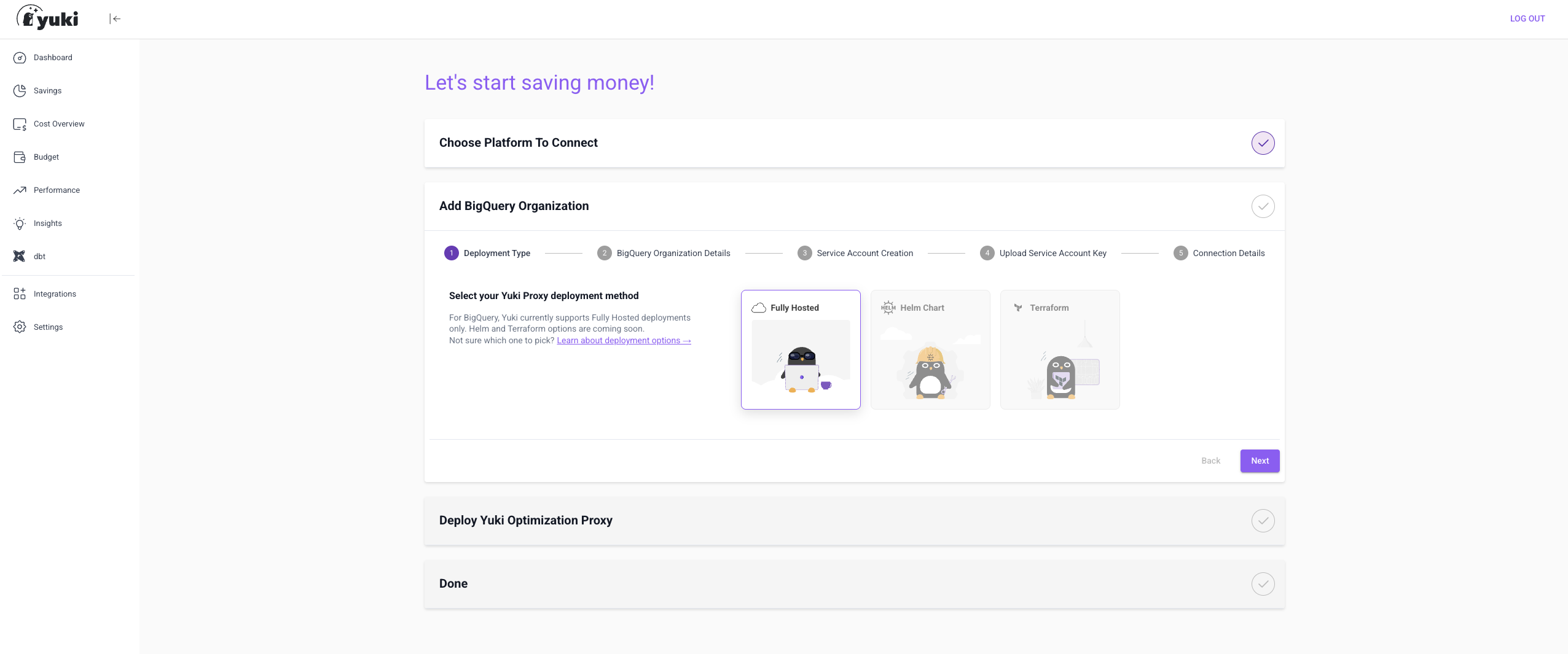
What You'll Need
- Your BigQuery organization ID, organization name, and project ID for Yuki's service account
- Organization admin email (for connecting Yuki's project to a billing account)
- Organization Admin capabilities
What the Setup Does
Once complete, Yuki will:
- Have a secure Service Account with limited permissions
- Create a dedicated project and reservation
- Deploy a fully hosted proxy that automatically routes queries for optimal cost and performance
First Step: Create Your Yuki Account
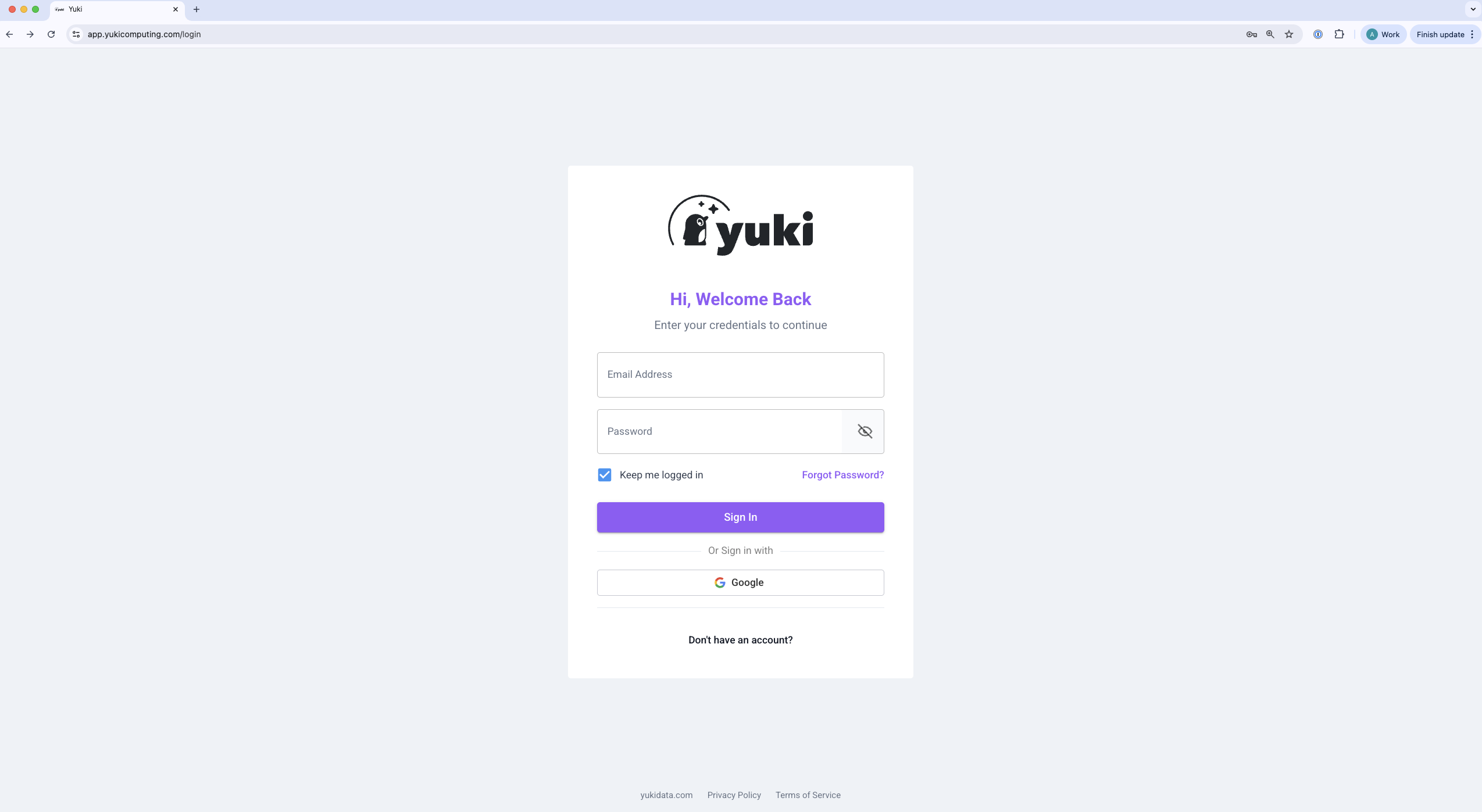
- Go to https://app.yukicomputing.com/login
- Enter your details, including the Key you received via email
- Sign in to your new Yuki account
Setup Checklist
| Step | Description |
|---|---|
| 1 | Grant Yuki access to your BigQuery account |
| 2 | Enable optimization for specific projects |
| 3 | Update connection strings in your tools |
Next Step
Proceed to Grant Yuki Access to Your BigQuery Account.